Support
Setup for your Alesis DM10
Lemon pads cover snare, toms, kick, cymbals, ride, and hi-hat on the Alesis DM10, with the limitations noted below.
- Snare 2-zone
- Toms 2-zone
- Kick 1-zone
- Crash 2-zone
- Ride 2-zone
- Hi-hat Switch (open/closed)
Build my kit for the Alesis DM10
Every pad here is a full fit for this module and in stock.
-
High tom
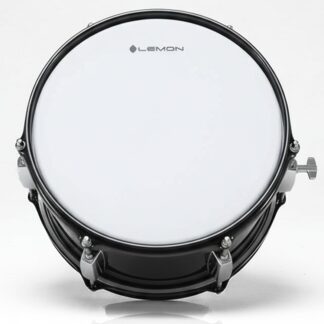 T950 10"x5" High Tom
$119.99
T950 10"x5" High Tom
$119.99
-
Low tom
 T950 13"x13" Floor Tom
$209.99
T950 13"x13" Floor Tom
$209.99
-
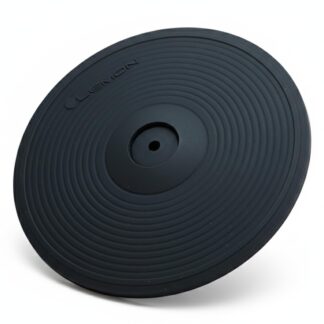
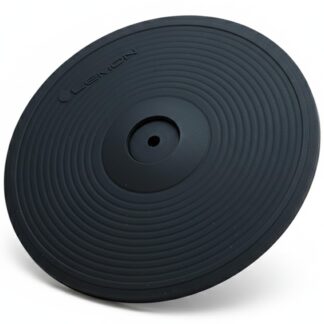
Crash
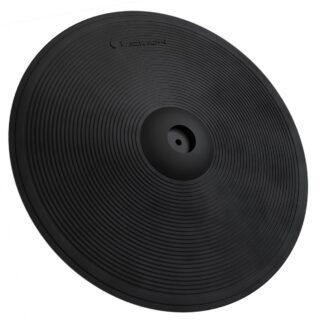
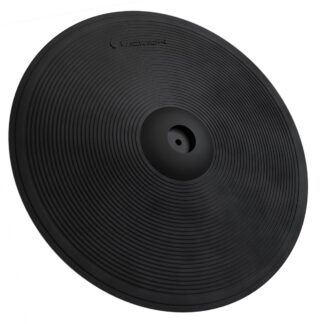
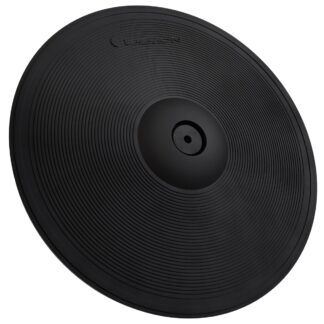 15" Triple-Zone Crash/Ride
$129.00
15" Triple-Zone Crash/Ride
$129.00
- Subtotal
- $458.98
- Bundle & Save (8.2%)
- −$37.83
- Kit price
- $421.15
Module snapshot
- Brand
- Alesis
- Model
- DM10
- Also known as
- DM10
Setup details by role
Snare pad 2-zone 1× TRS → SNARE input on the rear panel (individual 1/4" TRS jack)
The DM10 has 12 individual 1/4" TRS jacks on the rear panel — no cable snake. The SNARE input supports dual-zone (head + rim) triggering via the center piezo and the rim piezo.
Tom pad 2-zone 1× TRS per tom → TOM 1, TOM 2, TOM 3, or TOM 4 input on the rear panel (individual 1/4" TRS jacks)
The DM10 has 12 individual 1/4" TRS jacks on the rear panel — no cable snake. Tom inputs support dual-zone (head + rim) triggering via the center piezo and the rim piezo.
Kick pad Works 1× TS or TRS → KICK input on the rear panel (individual 1/4" TRS jack)
The DM10 has 12 individual 1/4" TRS jacks on the rear panel — no cable snake. Single-zone kick trigger. Only the head zone is active.
2-zone crash 2-zone 1× TRS → the 7 CRASH input
12 individual ¼″ TRS jacks on the rear panel (no cable snake). Set InputType to SWITCH for Lemon cymbals — their edge zone presents a switch-type output, which is what this setting expects.
3-zone ride 2-zone 1× TRS: Ride 1 (bow/edge) → the 8 RIDE1 input on the rear panel
Plug the Lemon ride's Ride 1 cable into the 8 RIDE1 input for bow + edge — no cymbal modification.
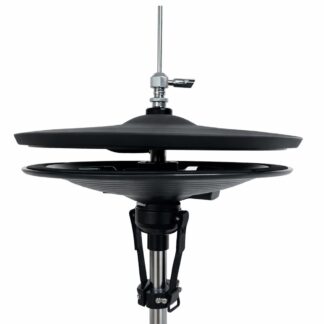
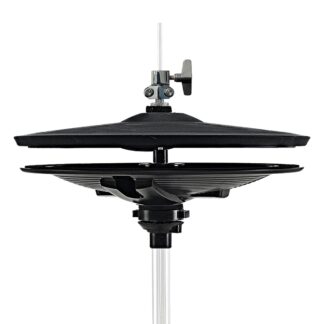
Hi-hat Open/Closed 1× TRS (pad) → Hi-Hat input + 1× TS or TRS (controller) → Hi-Hat Control input
Alesis's own DM10 compatibility guide lists the Roland VH-11 — the controller convention a Lemon hi-hat follows — as compatible, with one stated limitation: it cannot trigger heel splash. Treat hi-hat as open/closed, and run the module's own pedal calibration below after connecting.