Support
Setup for your GEWA G9
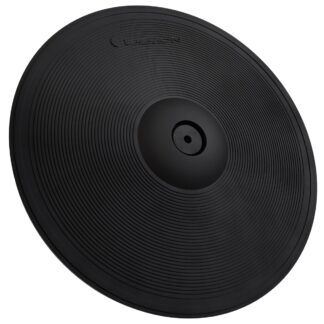
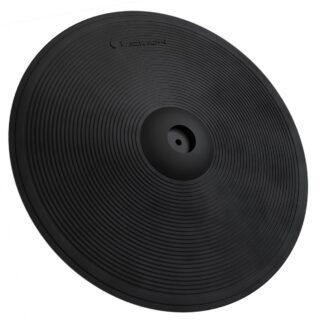
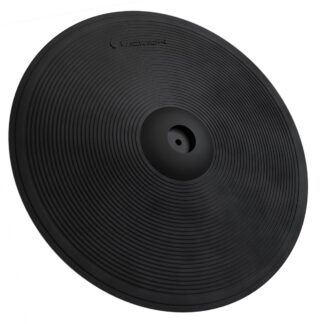
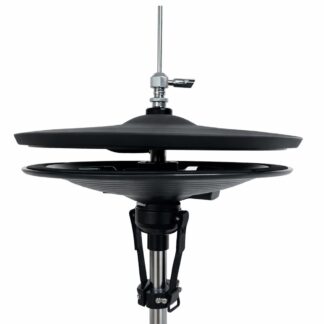
Yes — Lemon pads cover snare, toms, kick, cymbals, ride, and hi-hat on the GEWA G9.
- Snare 2-zone
- Toms 2-zone
- Kick 1-zone
- Crash 2-zone
- Ride 3-zone
- Hi-hat Continuous
Module snapshot
- Brand
- GEWA
- Model
- G9
- Also known as
- G9, G9 Workstation, GEWA G9
Setup details by role
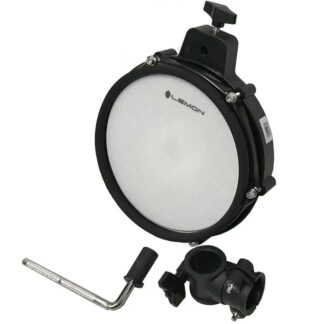
Snare pad 2-zone 1× TRS → SNARE input (1/4" TRS jack)
The snare input supports dual-zone (head + rim) triggering via center piezo and rim switch.
Tom pad 2-zone 1× TRS per tom → TOM 1–TOM 4 inputs (1/4" TRS jacks)
The tom inputs support dual-zone (head + rim) triggering via center piezo and rim switch.
Kick pad Works 1× TS or TRS → KICK input (1/4" TRS jack)
Single-zone kick trigger. Only the head zone is active.
2-zone crash 2-zone 1× TRS → Crash or AUX input (1/4" TRS jack)
Full dual-zone cymbal support with bow and edge. Touchscreen interface.
3-zone ride 3-zone 1× TRS → Ride input + 1× TRS → Aux 1 input (auto-reserved as the bell channel)
The G9 supports 3-zone ride via the 3Way trigger type — with the Ride input set to 3Way, the G9 automatically configures Aux 1 as the bell channel.
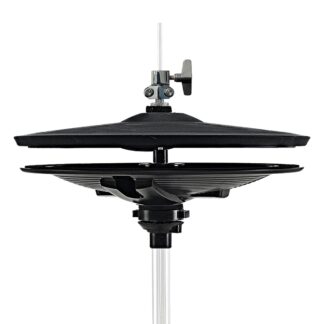
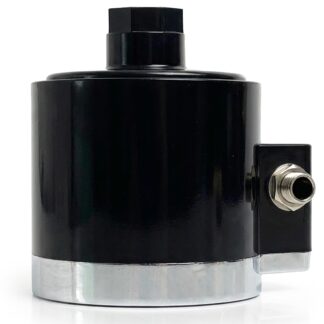
Hi-hat Continuous 1× TRS pad → HI-HAT input + 1× TRS pedal → HHCTRL input (1/4" TRS jacks)
GEWA supports third-party hi-hat pads via its trigger presets, and the panel has a dedicated 1/4" TRS hi-hat-control jack (HHCTRL) that the Lemon bottom-plate controller plugs straight into. A Hi-Hat Calibration wizard ([Calibrate...], p.94) sets the Low/High pedal positions for open, closed and half-open response.