Support
Setup for your Simmons Titan 20
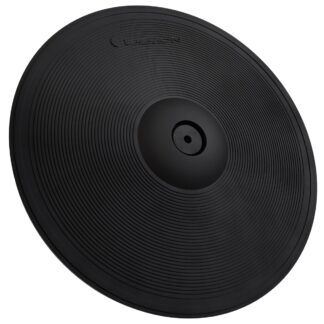
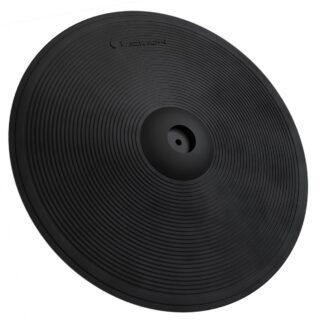
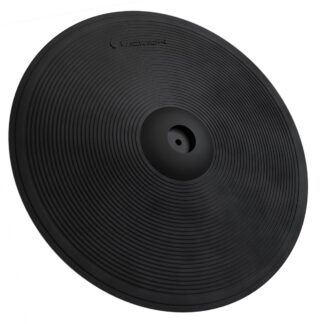
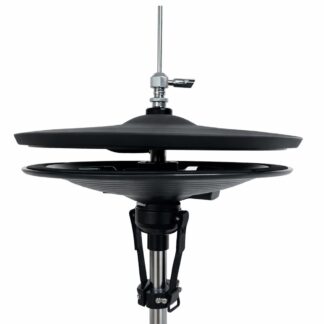
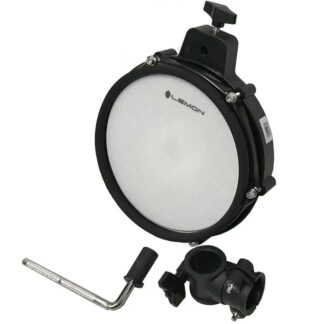
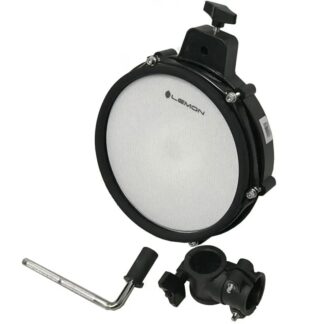
Lemon pads cover snare, toms, kick, cymbals, ride, and hi-hat on the Simmons Titan 20, with the limitations noted below.
- Snare 2-zone
- Toms 1-zone
- Kick 1-zone
- Crash 1-zone
- Ride 1-zone
- Hi-hat Switch (open/closed)
Module snapshot
- Brand
- Simmons
- Model
- Titan 20
- Also known as
- Titan 20
Setup details by role
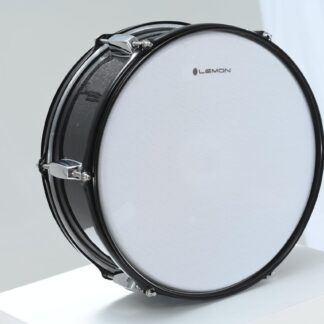
Snare pad 2-zone 1× TRS → SNARE connector on the DB-25 cable harness
The snare input on the cable harness is dual-zone per the Titan 20 manual (p.6 lists Snare as Dual Zone). Head triggers from the center piezo, rim triggers from the rim switch.
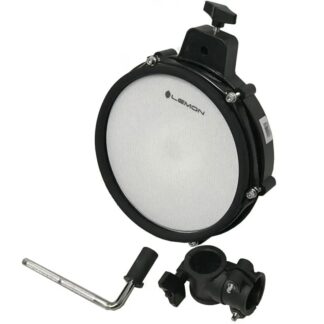
Tom pad 1-zone 1× TRS per tom → TOM1, TOM2, TOM3 connectors on the DB-25 cable harness
The Titan 20 tom inputs are single-zone per the manual (p.6 lists toms as Single Zone). Only the head zone will trigger; rim hits will not produce a separate sound.
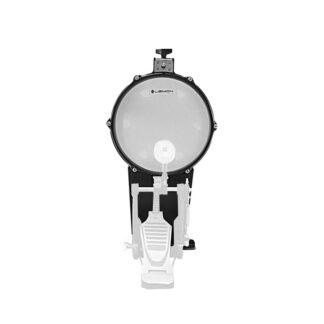
Kick pad Works 1× TS or TRS → KICK connector on the DB-25 cable harness
Single-zone kick trigger via the cable harness. Only the head zone is active.
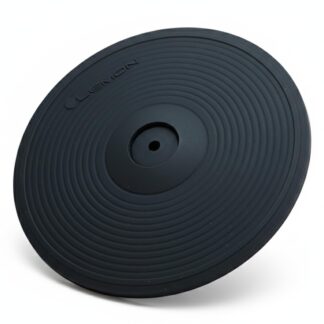
2-zone crash 1-zone N/A
Crash input is single-zone per specs (p.6). MIDI chart confirms single note for crash. Connecting a 2-zone cymbal will trigger bow only; edge detection is not supported.
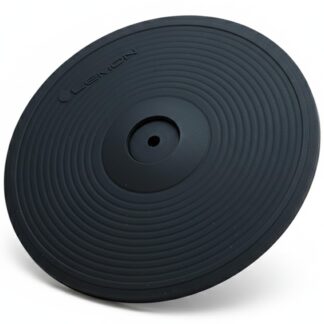
3-zone ride 1-zone 1× TRS from the ride cymbal (Ride 2 output) → RIDE connector on the 25-pin (DB25) cable harness — bow only
The Titan 20's RIDE input is single-zone — it triggers one note (MIDI note 51 = bow). A Lemon 3-zone ride plays as a bow-only ride; bell and edge won't register.
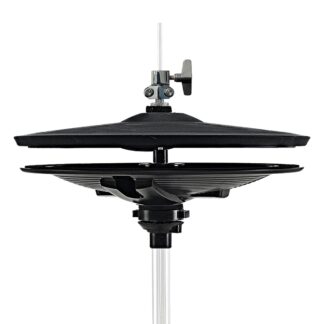
Hi-hat Open/Closed 1× TRS pad + pedal → Hi-Hat connector on the 25-pin cable harness
Single-zone hi-hat pad with foot controller pedal. Hi-hat is single-zone per specs (p.6).