Support
Setup for your Alesis Crimson III
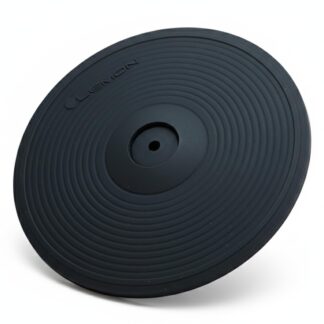
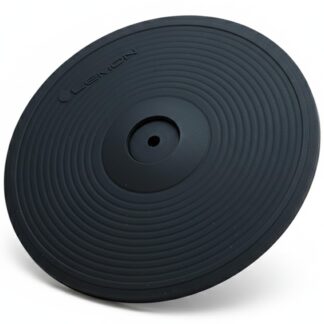
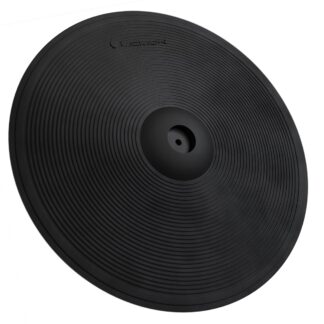
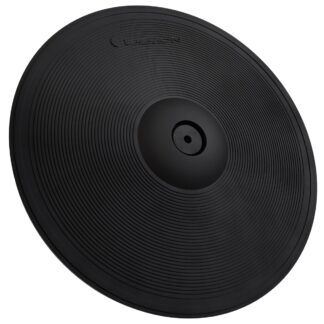
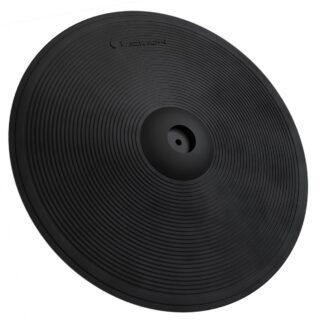
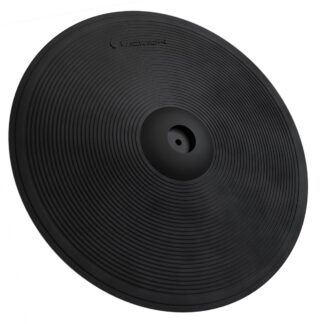
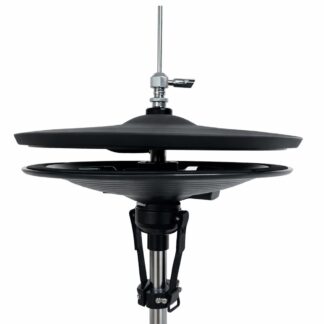
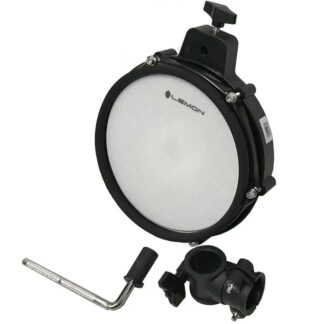
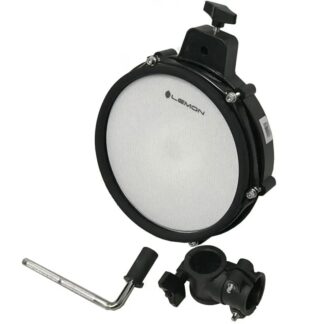
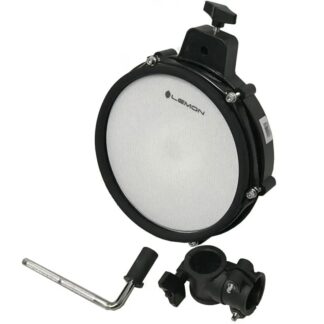
Lemon pads cover snare, toms, kick, cymbals, ride, and hi-hat on the Alesis Crimson III, with the limitations noted below.
- Snare 2-zone
- Toms 2-zone
- Kick 1-zone
- Crash 2-zone
- Ride 2-zone
- Hi-hat Switch (open/closed)
Module snapshot
- Brand
- Alesis
- Model
- Crimson III
- Also known as
- Crimson III, Crimson 3
Setup details by role
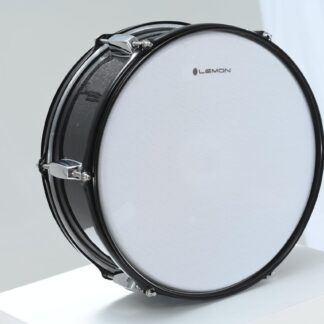
Snare pad 2-zone 1× TRS → Snare connector on the cable snake
The Snare connector on the cable snake supports dual-zone (head + rim) triggering via center piezo and rim switch.
Tom pad 2-zone 1× TRS per tom → Tom1, Tom2, Tom3 connectors on the cable snake
The tom connectors on the cable snake support dual-zone (head + rim) triggering via center piezo and rim switch.
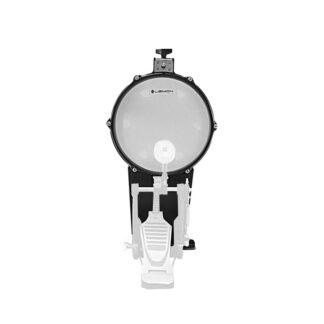
Kick pad Works 1× TS or TRS → Kick connector on the cable snake
Single-zone kick trigger via the cable snake. Only the head zone is active.
2-zone crash 2-zone 1× TRS → Crash 1 connector on the cable snake, or 1× TRS → Crash 2 jack on the rear panel
Same platform as the Crimson II. Crash 1 is on the cable snake (TRS). Crash 2 is a ¼″ TRS jack on the rear panel. Both support 2-zone operation.
3-zone ride 2-zone 1× TRS: Ride 1 (bow/edge) → RIDE connector on the cable snake
Plug the Lemon ride's Ride 1 cable into the RIDE connector for bow + edge — no cymbal modification.
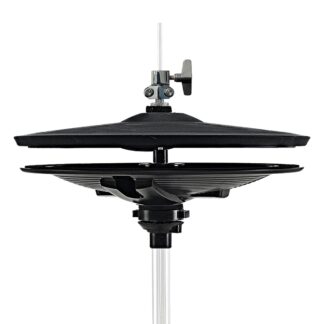
Hi-hat Open/Closed 1× TRS (pad) → Hi-Hat connector on the cable snake + 1× TRS (pedal) → HH Pedal connector on the cable snake
The Crimson III supports continuous/variable hi-hat natively — its manual describes pressing the pedal to different positions to change the sound, like an acoustic hi-hat (it ships a continuously-variable control pedal). The Lemon pedal uses the Roland VH/FD convention, not documented for continuous CV here — so with the Lemon pedal, treat hi-hat as open/closed.